


You can switch between three types of views in Kanban from very brief to detailed.
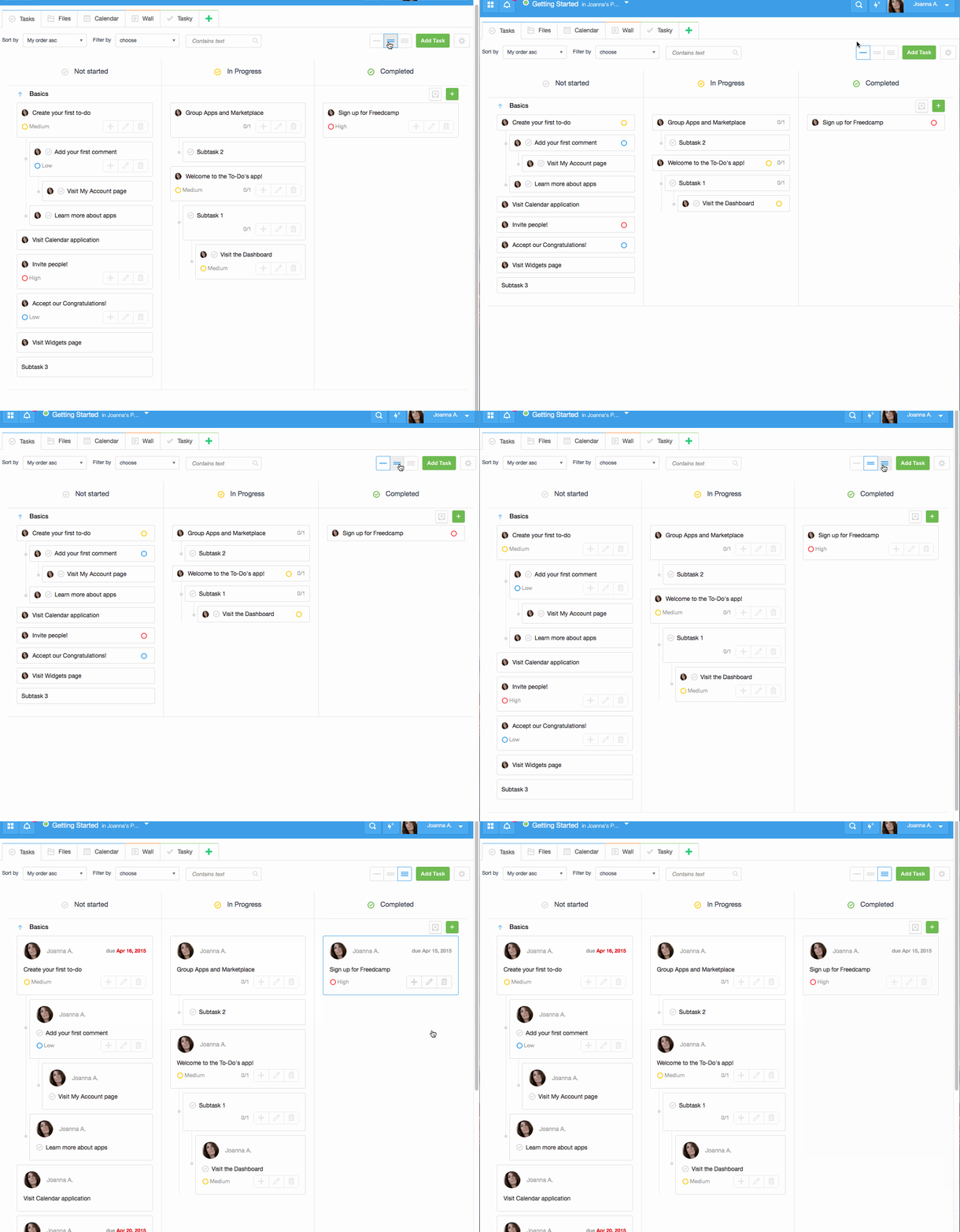
Also, all three Kanban columns can be expanded and collapsed by clicking on its header. If you noticed that all of your tasks become very tiny – do not worry you must have accidentally collapsed all three columns – just click each columns’ header again to restore it back to standard view.
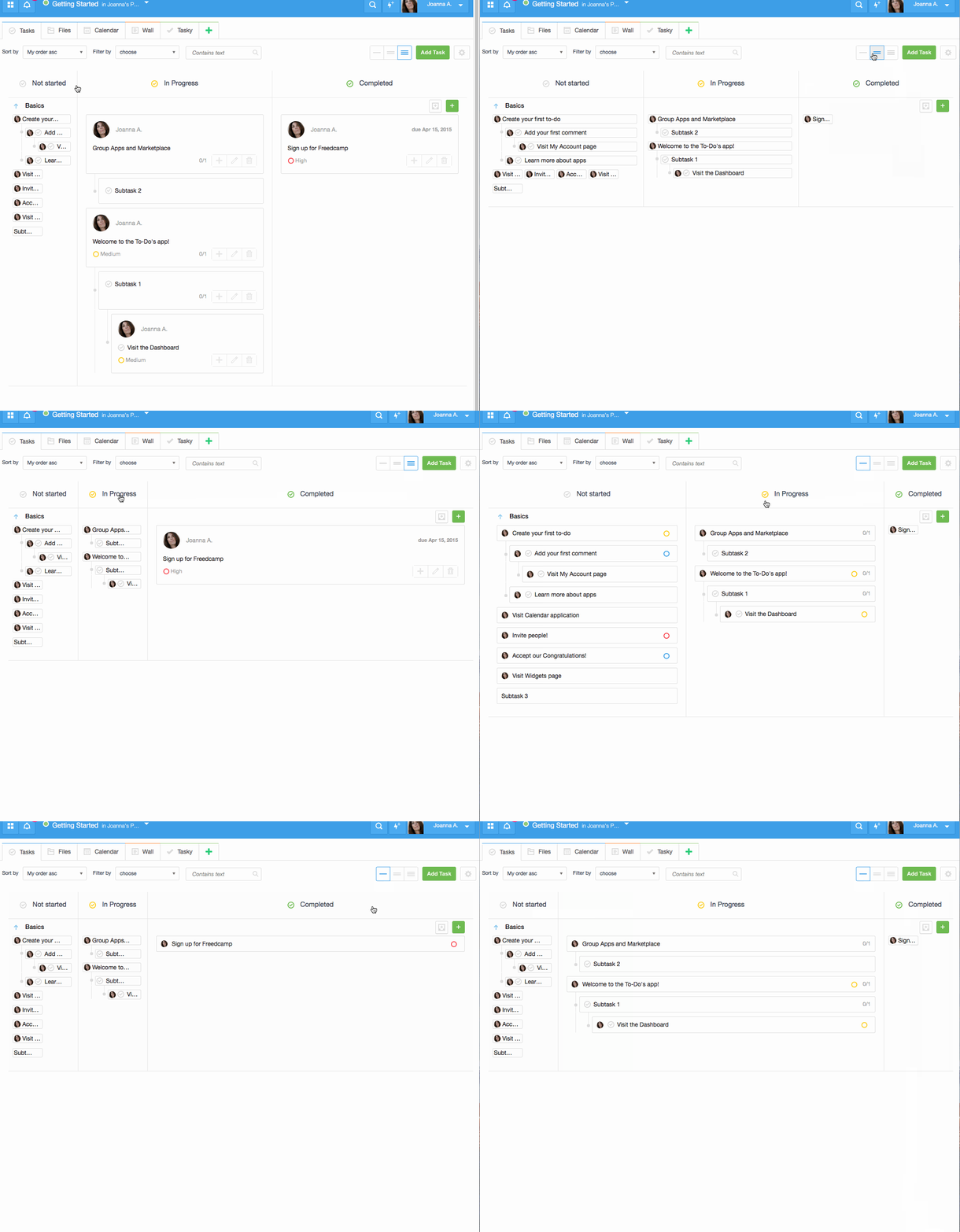
Now it is all fixed and time to watch 1989 Walt Disney movie – “Honey, I Shrunk the Kids” and relax.

Start your next project in two minutes
Freedcamp is free for unlimited projects, tasks and users. No credit card, no trial clock.
How can we change the column title? – not started, in progress, completed.
And can we also create/add new column ?
Thanks
Hey,
This will be done later this year or early next year – https://freedcamp.uservoice.com/forums/126945-suggestions-for-features/suggestions/6031907-more-statuses-for-todos
Please add your vote to help us to prioritise.
Thanks
Igor
My kanban is stuck in the very brief view. I click the different view types but it stays as a very brief view and will not go to the intermediate or the detailed view
Hi,
Please send a link to a page to help@fredcamp.com and I will help.