


FileEdit extension is now available anywhere you see a file in Freedcamp.
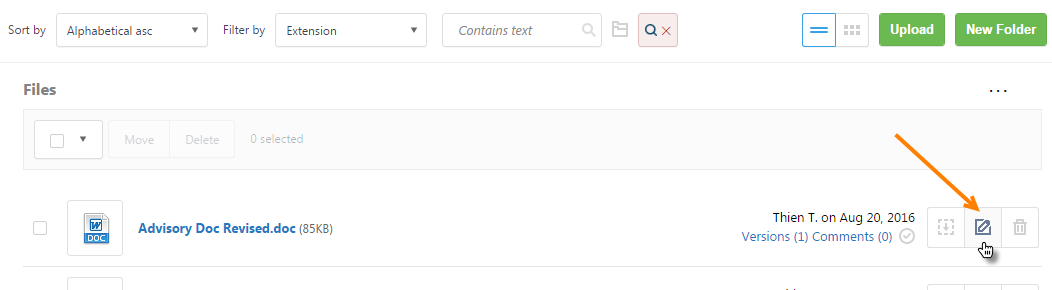
Before this change to use FileEdit you had to go to Files in your project to launch it:
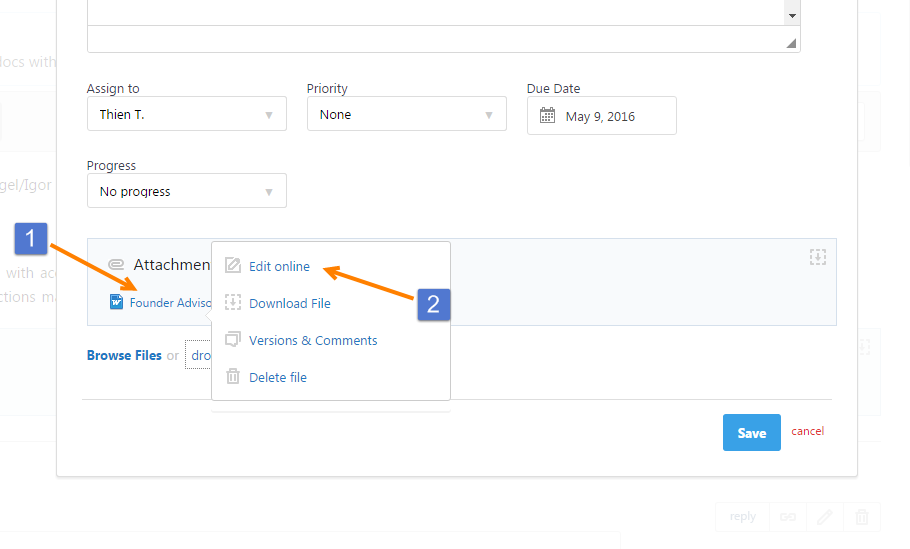
Now you can access it while editing a task if file needs to be updated – click file name(1) and select ‘Edit Online’ (2):
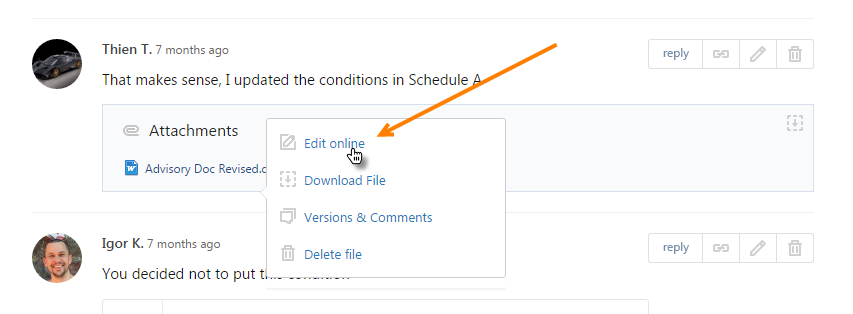
.. or even simply launch FileEdit to edit file without editing an item:
We prepared a short video for you comparing how FileEdit worked with attachments before and after this change:
Start your next project in two minutes
Freedcamp is free for unlimited projects, tasks and users. No credit card, no trial clock.
Comments
3