


Project management is all about getting your work done, planning, and interacting with your team. With current systems, this requires varying degrees of effort and time. In turn, slowing progress and increasing your team’s workload.
Today we’re introducing a leapfrog update not just to Freedcamp, but to the entire industry. We took the root causes which plagued the industry and reimagined them, by combining the most commonly visited pages and intelligently reducing the amount of information, only displaying items that are most pertinent to you.
“The only thing that’s changed is everything.” – Apple
Welcome Home
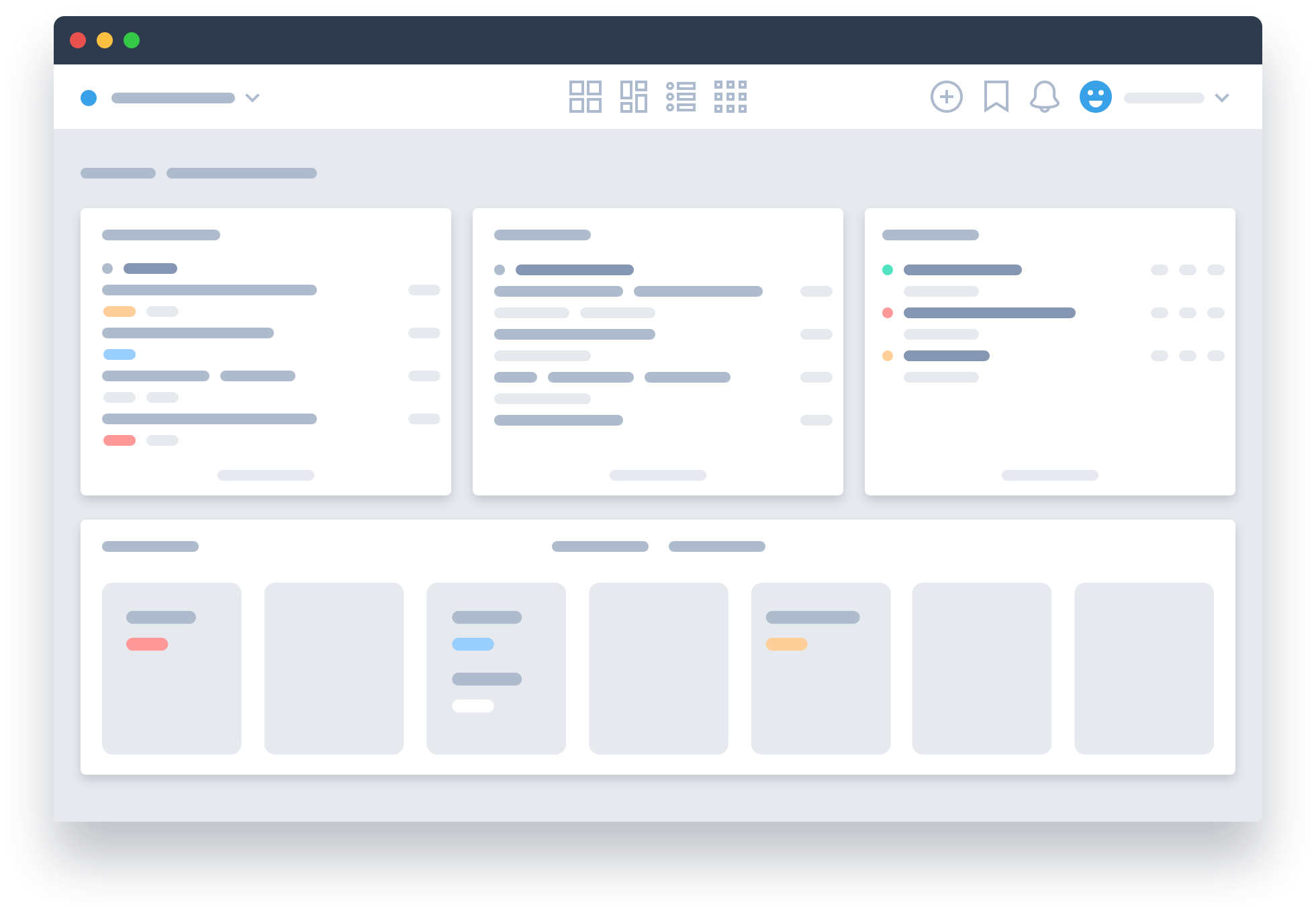
Introducing the new homepage where you will see all the most critical information regarding your projects. Enabling you to take action with a click and get back to your work.
Previously this involved:
- Reviewing your Task Board for tasks assigned to you
- Switching between projects to find items assigned to you from other Applications
- Sifting through all the updates on the Notifications page to locate the small % which required your attention
- Navigating to the Calendar Board to see what’s coming in the pipeline
This is an almost identical pattern shared across Project Management systems, and it takes up precious time and effort.
Our groundbreaking home screen provides:
- The most important items you need to be working on
- Quick interactions to keep your Tasks updated without leaving the page
- A list of only the notification updates that require your immediate attention
- Your projects sorted any way you want for fast access
- Ability to see what your team is working on at a glance
You will rarely need to visit another page or stress about missing something important.
New Notifications.
Summarized. Informative. Actionable.
Until today, Project Management systems offer either a fully detailed list of all updates or a limited subset of what has happened. In either case, you will either spend too much time finding the few things you care about or miss out on critical updates.
Imagine having a personal assistant who would go through each item’s updates and summarize it. Then review each item and highlight the items that require your immediate attention. The result will mean you can quickly focus on the items that require your attention, then glance through the summaries of the rest. Doesn’t that sound great?
The new Notifications system uses machine intelligence to do just that. It summarizes all updates for each item into one simple line that can be consumed at a glance. In addition, it is able to provide you with almost the same items you would have deemed critical after a long review process. This in turn, helps you focus on what’s really important, getting your work done, as well as allows you to quickly respond to items your team needs from you quickly.
To do this, we first take all updates of an item and see what’s changed, then we display the properties that changed from what they were to what they are now. So if the due date changed 3 times, you only see what it was before and what is now. Reducing the list of updates you see by as much as 80%.
To be able to also show you which items are requiring your attention, we analyzed large quantities of data and researched what are the ones that end up being most important to you are. We found that the following items are the ones you should always look at right away:
- If someone mentioned you in a comment or a task, it means your attention is needed
- All items assigned to you, as they relate to the work you’re doing it’s crucial to know what has changed
- Things you’ve created, keeping track of their progress
Say goodbye to emails, the daunting feeling of reading notifications, and ever missing an update.
Manage System, advanced functionality, astounding simplicity
We’ve found it baffling that most systems follow the same organizational structure while restricting your flexibility and options. Instead, our system offers a wide variety of ways to customize how you structure your system and fine-tune users permissions. However, to offer this flexibility we sacrificed simplicity and caused users to spend more time to achieve the desired set up.
The new Management System took all the features we provide, added new ones to speed up common tasks, and combined them in one easy to use interface. This both sped up the time it involves and reduced the complexity of utilizing the flexibility we provide.
The results:
- Creating projects and adding users takes seconds instead of minutes
- You will never have to search far to find the options we provide
- Adding 20 users into 20 projects is now done in a matter of seconds with 2 simple steps using our Global Invite system
- An entirely new concept, the Global Team, which can hold a set of users that can be added to any project. When you add a new member to the team, he instantly has access to all the same projects with the same permissions
- New interfaces that provide a much stronger overview of all the levels of hierarchy, such as a Group Members tab. This tab shows you all of the members of the Group’s Projects with quick actions like removing a user from the entire Group
We’re proud to offer such advanced options in an intuitive interface giving you the power you need whether you are a small team or a large enterprise.
A Daily Recap
Freedcamp sends a daily recurring email called the Daily Digest. It lists all the updates from your projects. However, this is typically too much information and requires a lot of effort to get the information you need.
The new Daily Recap email offers a quick overview of the items you need to work on, making it easier to see how much progress you’ve made. We have also added a Daily Recap page inside the Notifications system so you can refresh your list as you complete tasks.
To enable Daily Recap, visit My Account and select the Notification Settings tab. Then choose if you want to receive Daily Recap and keep Daily Digest or just switch.
Project Management, for everyone
Project Management is one of the most impactful tools, period. It allows teams around the world to be more productive, finish projects on time, reduce miscommunication, and most importantly increase the success of the projects you are involved in.
For a long time, Project Management was something only companies utilized. After some amazing work in simplifying the Project Management interfaces, it was adopted by a wider audience who harnessed its power and enjoyed its benefits.
Unfortunately, due to the remaining hurdles it presents for most people, it has been limited to a relatively small chunk of humanity. For a lot of people, Project Management appears to actually make it harder to work by adding more to their workload, rather than reducing it.
When we started Freedcamp, after a horribly executed camping trip organized via email, we set out to find a way to bring Project Management to everyone. Remove all hurdles to ensure it’s adoption is effortless.
Today we’ve made one big step towards this goal. The remainder of the releases in Version 3 will make an even more drastic impact to make the world a much more collaborative place.
Start your next project in two minutes
Freedcamp is free for unlimited projects, tasks and users. No credit card, no trial clock.
A major step forward and looking forward to exploring it further. Good work guys!
Please allow tracking of time against tasks. Why is this taking so long????
Hi Paul,
We will. Answering your question – having resources to pull multiple streams of updates at the same time. How to help? Consider upgrading, posting a review mainly on Capterra and G2crowd and helping to spread the word.
The only way for us to do more for you – make more revenues, hire best developers and, as a result, do more iterations to improve Freedcamp faster.
Really like the new “global team” feature, but am having trouble adding new members to a global team. Do you have a tutorial for this?
Hi Christopher,
We are working on new video and will update documentation asap.
In this version, you can invite people to a Global Team only after you invited a person to at least one project. It is the same logic which applied to group administrators.
We do agree, however, that it is a bit limiting and confusing and we do consider to add ability to add Global Group Admins – who can be invited to this role straight away and finally will be able to also create project groups in your account as well and extending Global Teams to allow to invite people to them without a need to invite those people to at least one project first.
I hope this helps.
We look forward to this. One big asset to our team productivity gets better!
The updates look great. One thing I find frustrating from the main page, in the list of tasks, is that each task doesn’t have the project shown. It’s ok if you have every task having unique names, but if you work on many projects it just gets confusing
What about reoccurring tasks? This is a pretty basic feature that would be extremely useful and seems simple enough to add in.
Hi Shane,
This is planned to be added in Q1 2018.
Re: basic – very few things are truly basic in a system like Freedcamp. They may seem basic but:
– can a recurrent task have a recurrent subtask? Probably no -> need to validate and prompt to remove recurrence when you drop recurrent task making it a subtask inside already recurrent task
– what if a recurrent task was assigned to Bob and now, when we need to create a new recurrence, Bob is not part of a project – what to do and who has to be notified? If creator of a task – what if creator is also not part of a project
– should comments and files be copied when a new instance of a recurrent task is created or not?
– should subtasks of a recurrent task to also be created and treated as recurrent?
Was looking for this update since the beginning . Nice.
it is a good idea
I love how Freedcamp works. However, I found it to be cumbersome if my timeline ran behind. It would amazing to have the option to push the date of all dependent tasks if a completion date is after the target date. Unfortunately, I had to stop using Freedcamp as a result. It was too much work to update all dependent tasks manually.
I like the new layout! However is there a way to sort the 3 categories (My Work, Important Updates, Projects)? I’d like Projects to be listed first, not last.
Hi Leuda,
Thank you! One step at a time 🙂 – please post to https://freedcamp.uservoice.com “Home Page – allow to rearrange widgets with drag and drop” with the description “My Work, Important Updates, Projects- I’d like Projects to be listed first, not last.”
Like new look but adding tasks and assigning to others doesn’t work this morning…sent a problem ticket..perhaps this is a bug related to upgrade to 3.2
Help!
Fixed now…thanks
This new team management interface is much better. The old felt very cumbersome to use. One thing though, under Group Admins, it would be better if it showed ALL the admins including the group owner. Currently the group owner is excluded from this list, which makes it difficult to see who has what permissions sometimes.
Hi Is there a way to send notifications to assigned person, rather than any task update being sent to whole team please?
Thanks very much.
Hi Helen,
Do not select people as subscribers and only person assigned to a task will be notified. You can also suggest team to switch off email notifications and use Notifications page and daily/weekly recap email to follow up on updates. It is under My Account -> Notifications – set to ‘none’ for all projects and keep Recap (ideally) daily on.
Regards,
Igor
Hi,
I would like to know whether I can create a Group in Freedcamp without assigning any project. FYI I have an operations team which actually supports all the projects but I don’t want them to be part of all the projects.
Is there a way I can create teams without a project. and also Assign task and discussion with the team.
Also, like to know if the discussion feature is also available on your android app. I do not see the feature on my app.
Hi,
1. You can create a Global Team and add this team to projects they need to be a part of on Global Team tab in Manage System. However, you need to invite these people currently to at least one project first. We will remove this limitation in the future.
2. Tasks and discussions currently cannot be assigned to or notified by teams but we plan to add this in the future.
3. We plan to add Discussions to our mobile apps by the end of 2018.