


As you may know, we are working* on adding ability to create new tasks, issues, discussions and upload new files to Freedcamp by emailing them in. However, our feature allowing you to update Freedcamp by replying to Freedcamp’s email notifications did not support attachments and inline images. Today we released it and it is best in class. Why? We not only parse attachments in your replies but we also parse all inline images and upload them to Freedcamp too and add inline into your comment.
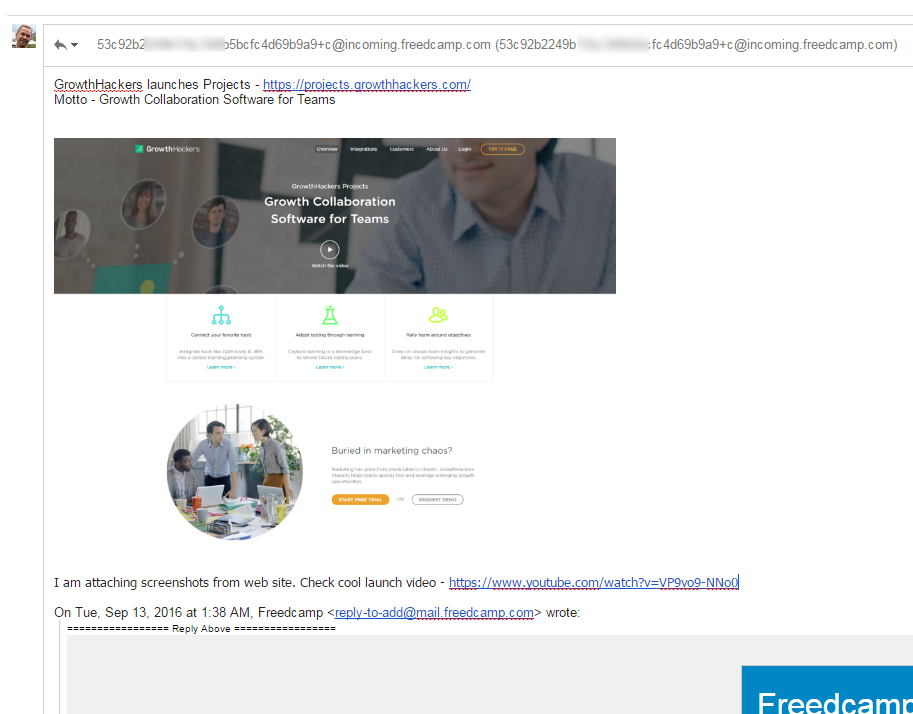
Below you can see a reply containing one file attached and one inline image copy/pasted to my message in GMail:
Now you can see how it was parsed and posted to Freedcamp – you have your inline image in place but it is also uploaded and shown as an attachment in your posted by email comment:
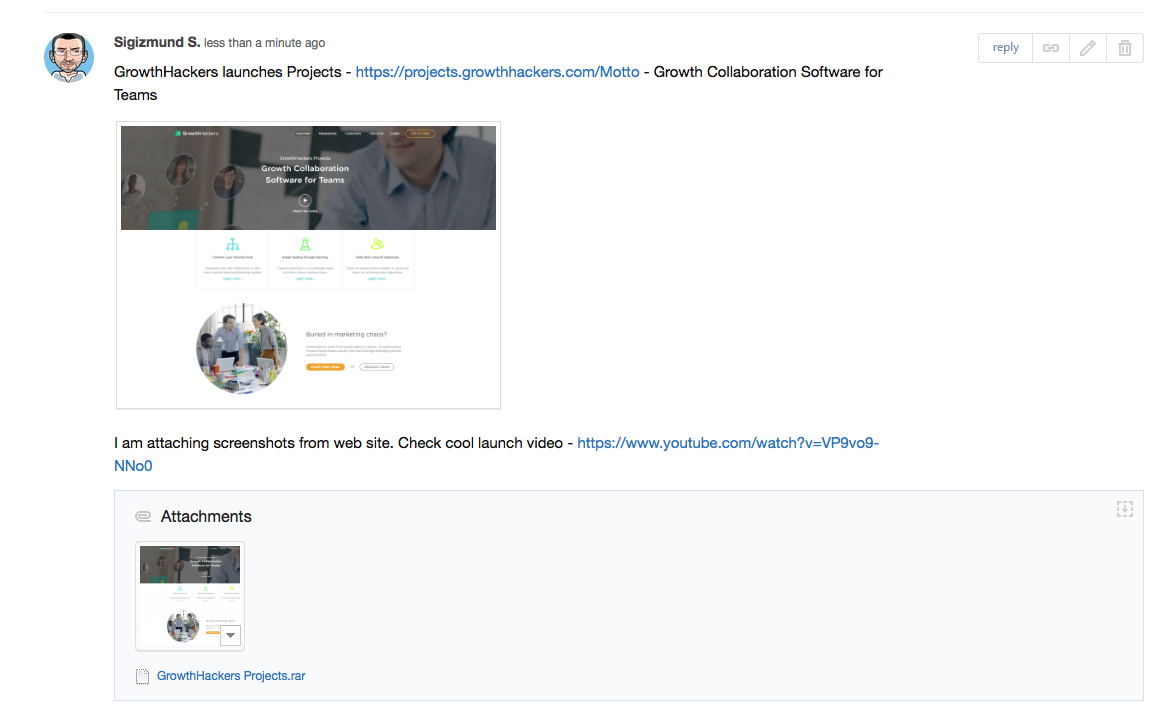
You can also see that all my links in email were conveniently converted making them easy to follow from Freedcamp.
* Update Apr 11, 2017: Emailing into Freedcamp to create new items is implemented now.
Start your next project in two minutes
Freedcamp is free for unlimited projects, tasks and users. No credit card, no trial clock.
This is probably a simple question but where is the email address I’m supposed to send updates to?
This post is to update our users on new functionality where you get an email notification from Freedcamp and can reply to this email to post a new comment.
We will release functionality supporting feature to create new items this month, where you will get unique email from Freedcamp to use it to create new items – Tasks, Discussions etc.