Embed YouTube and Vimeo videos to your posts
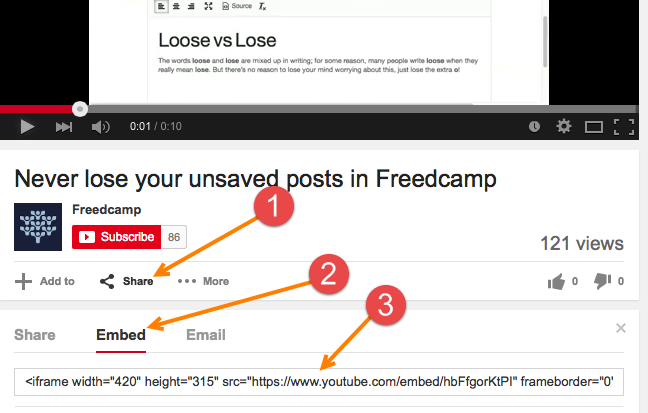
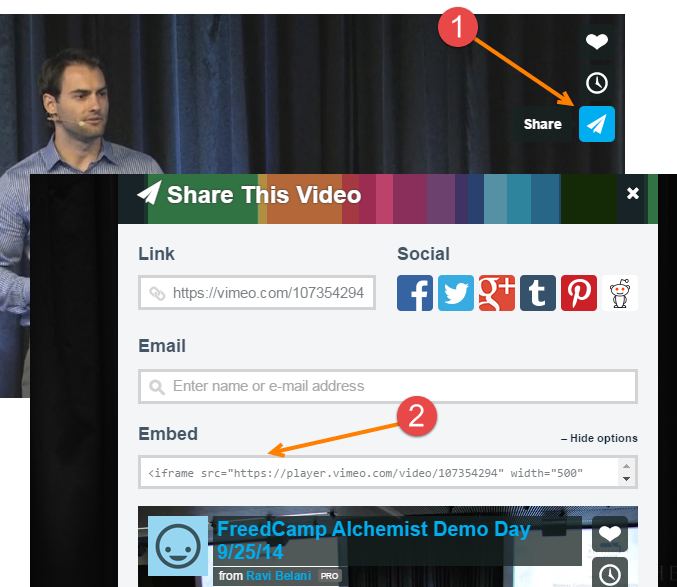
Now you can embed videos from YouTube & Vimeo to your tasks, discussions and comments. First – simply grab a link as shown.
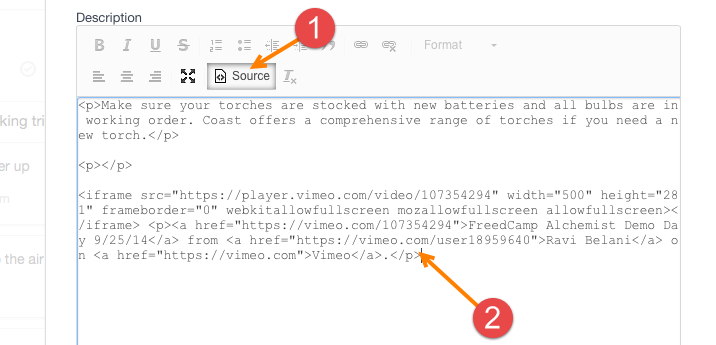
In edit mode in Freedcamp click ‘Source’ button (1) and paste embed code to your post (2).
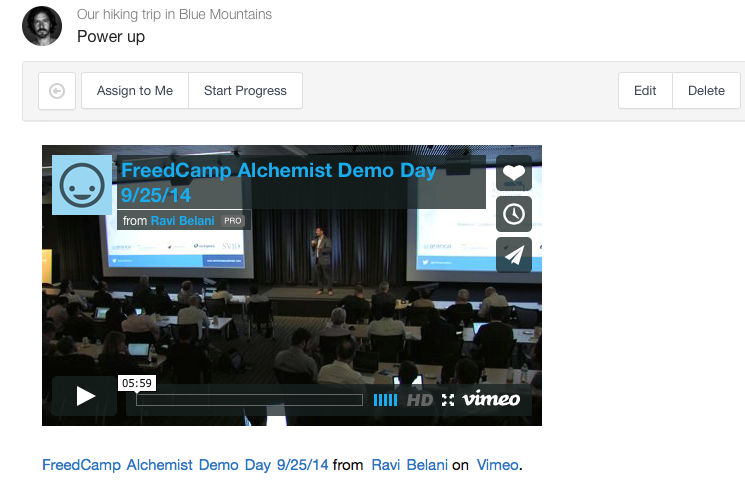
Here it is a video attached to a To-Do in Freedcamp.
If you want to edit video embed after you saved – hit edit, switch to ‘Source’ and remove embed or edit it, if needed.
