


We’ve added a massive improvement to our Files application thanks to our first sponsorship deal going live.
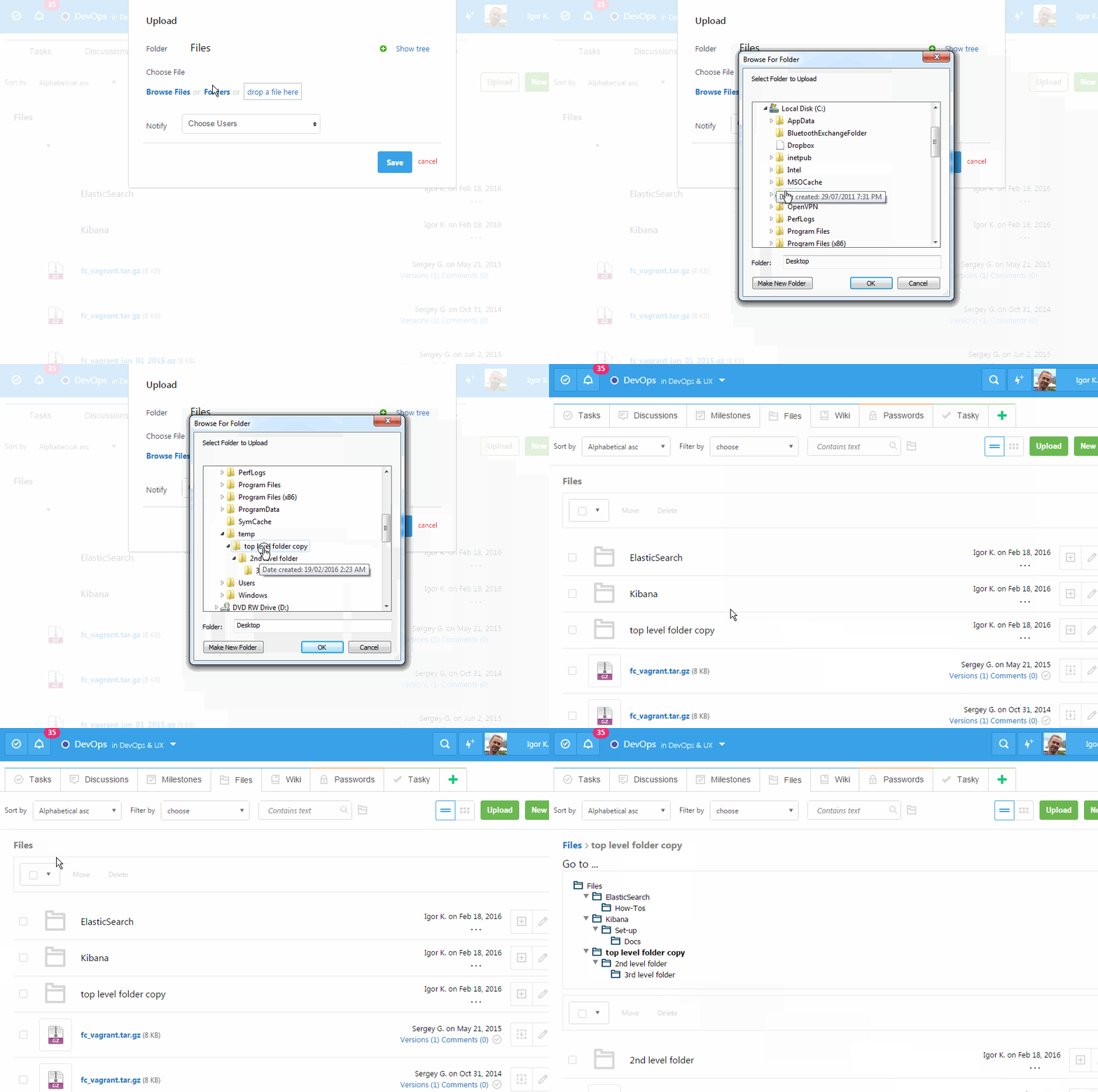
Unlimited subfolders, upload folders with files in Chrome, delete file versions, move files around and more. Right click animations to view or open in a new tab to see it full size please.
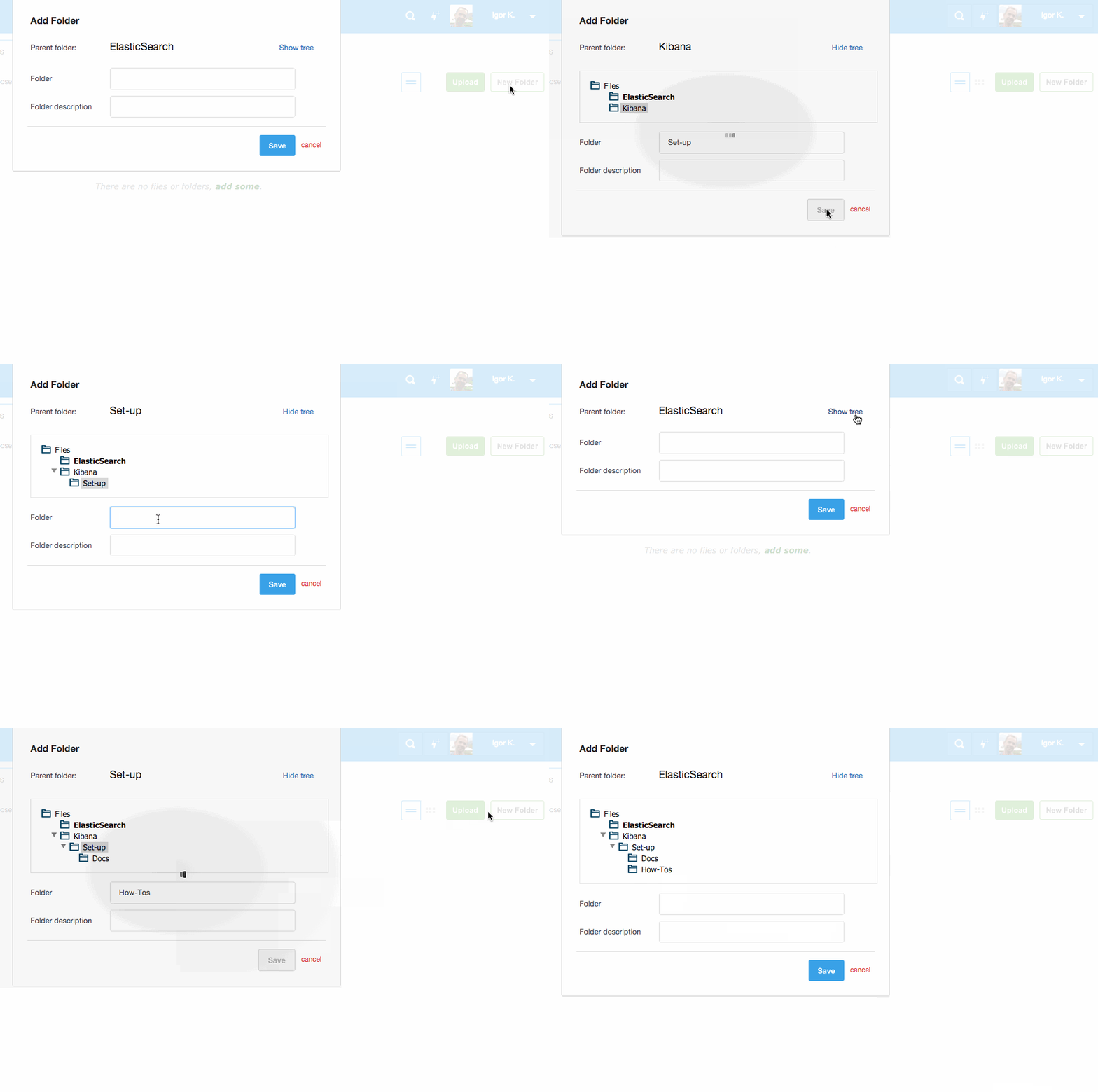
We added subfolders support in Files application as a free feature available to all. No excuse now to keep your files disorganized!
New filters and sorting options are added to make it super easy to find files.
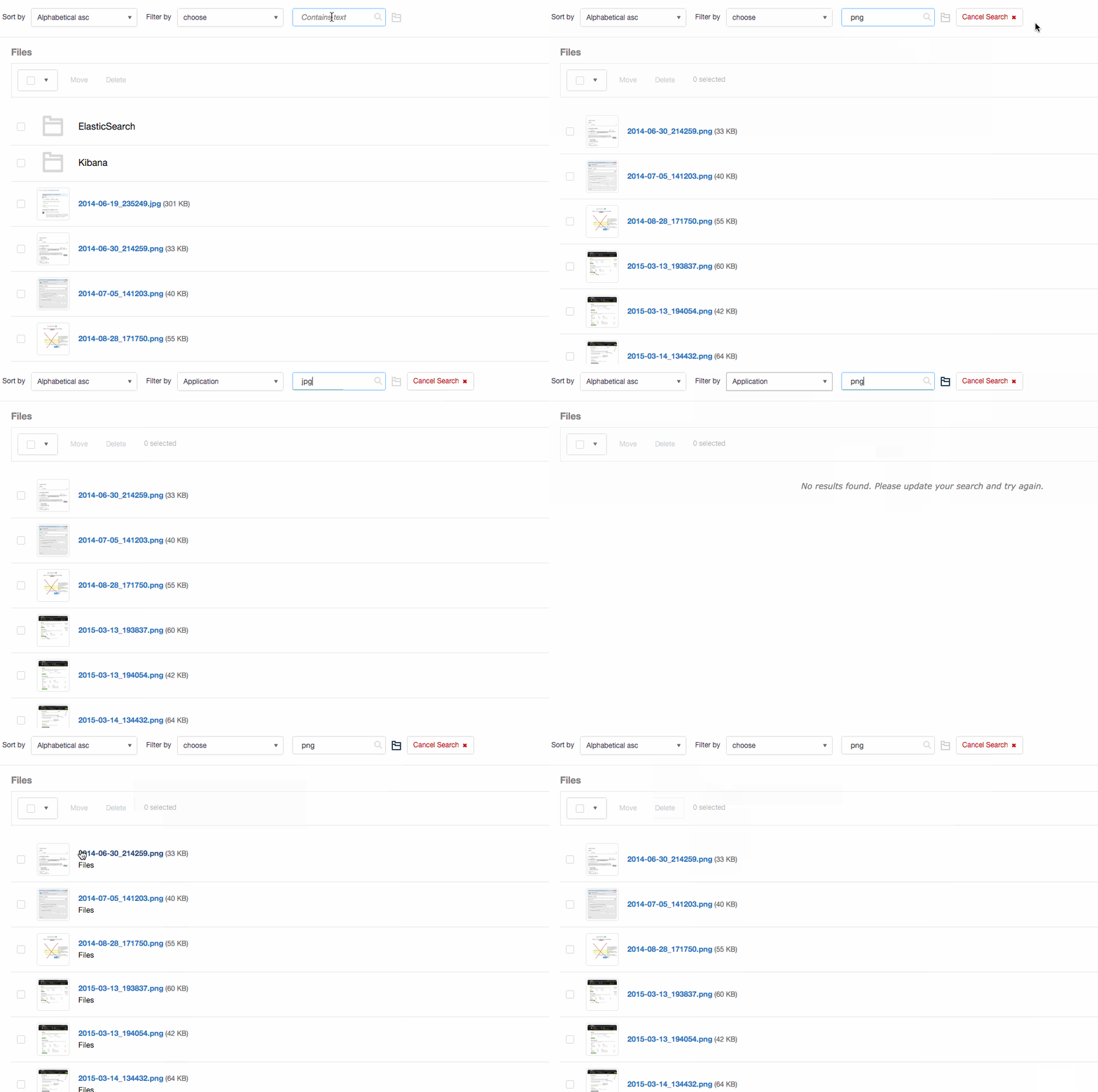
You can also jump from any subfolder to any other subfolder with just a few clicks, see how many files in a folder without opening it. We are working to update documentation and post links to it in our next newsletter.
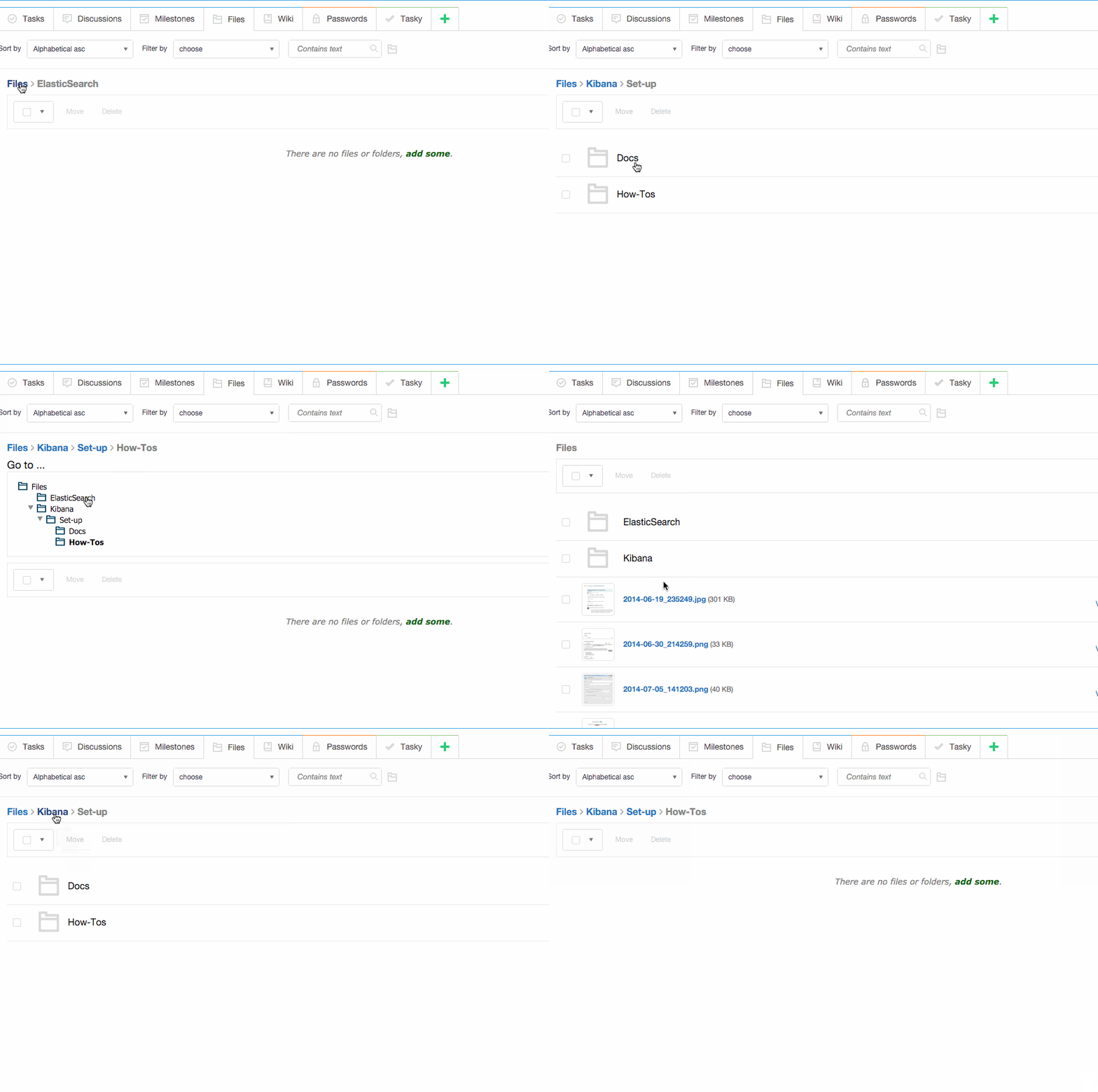
Filter & search, select and move your file around:
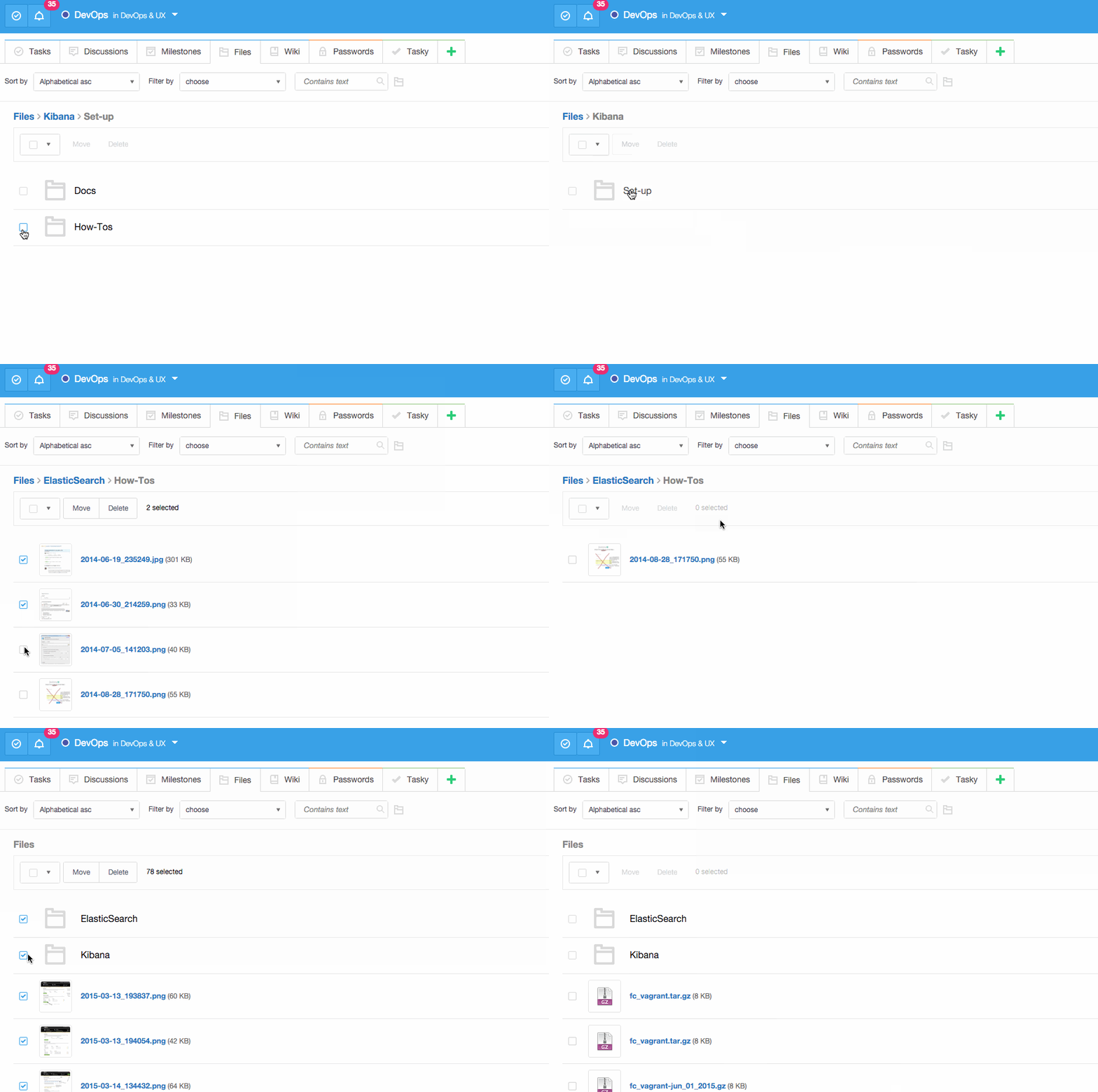
Now you can drag & drop folders to upload files. If you use Chrome browser you can upload folder with subfolders and files and we will recreate all the subfolders in Freedcamp for you. If you use other browser – well switch to Chrome as otherwise folders will not be recreated – we will only upload all files to a current folder in Freedcamp.
Stay tuned as other great enhancements are coming as soon as next week in Files application, which make file editing a breeze – no more download and upload will be needed!
Almost forgot – we are also adding the ability to delete file versions with one limitation for now. First person to find what it is will get next great feature we are about to release for 2 years 100% free.
Enjoy the mystery in exchange for 2 years of a paid feature. We hope this will keep you busy within the Files application for a while.
Start your next project in two minutes
Freedcamp is free for unlimited projects, tasks and users. No credit card, no trial clock.
[…] Added extra filters in Files application following previous big update, which includes sub-folders support and more. Now you can order files and folders by last modified […]
[…] while ago we enabled folders with files upload in […]
Hi! Is there a way to copy an entire folder system over within a project? For example Fiscal Year 2017>Client Accounts>Onboarding File>Work Files.
If I create this once….is it possible to copy and paste into a different fiscal year to avoid manually typing?
Hi Mike,
We will be adding ability to copy/move tasks first. Please post this suggestion here https://freedcamp.uservoice.com
Regards,
Igor
The Drag and Drop option for Folders is not quite working in chrome could you please check and let me know if something is not working from our end
Hi Niraj,
It was broken and is fixed now. Sorry about that.