


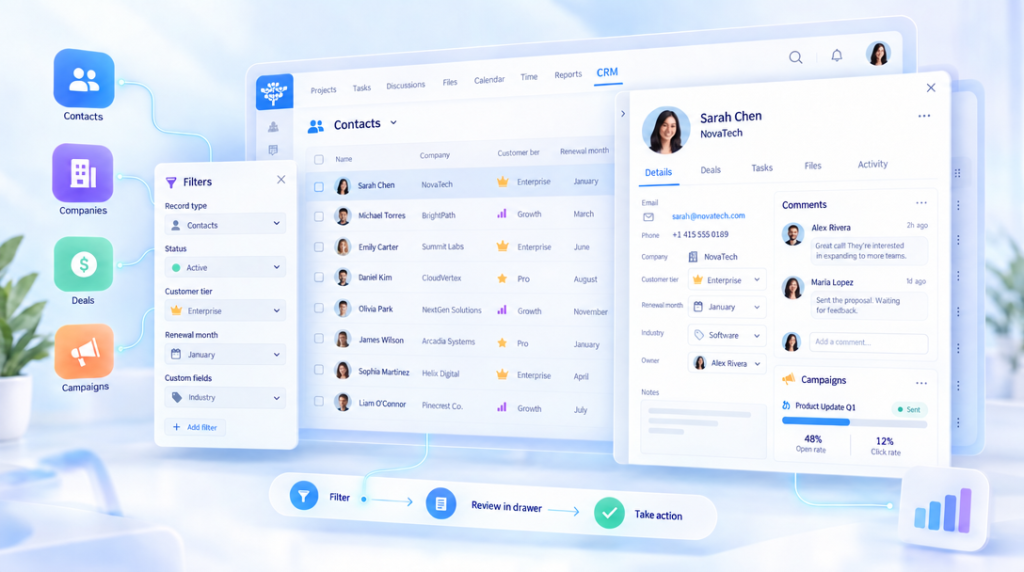
The latest CRM update is about continuity. Your lists stay in view, your filters stay applied, and the information you need opens without sending you to another page.
It also brings CRM onto Freedcamp’s shared design system, so the app now feels at home beside Tasks, Calendar, Discussions, and the rest of your workspace.
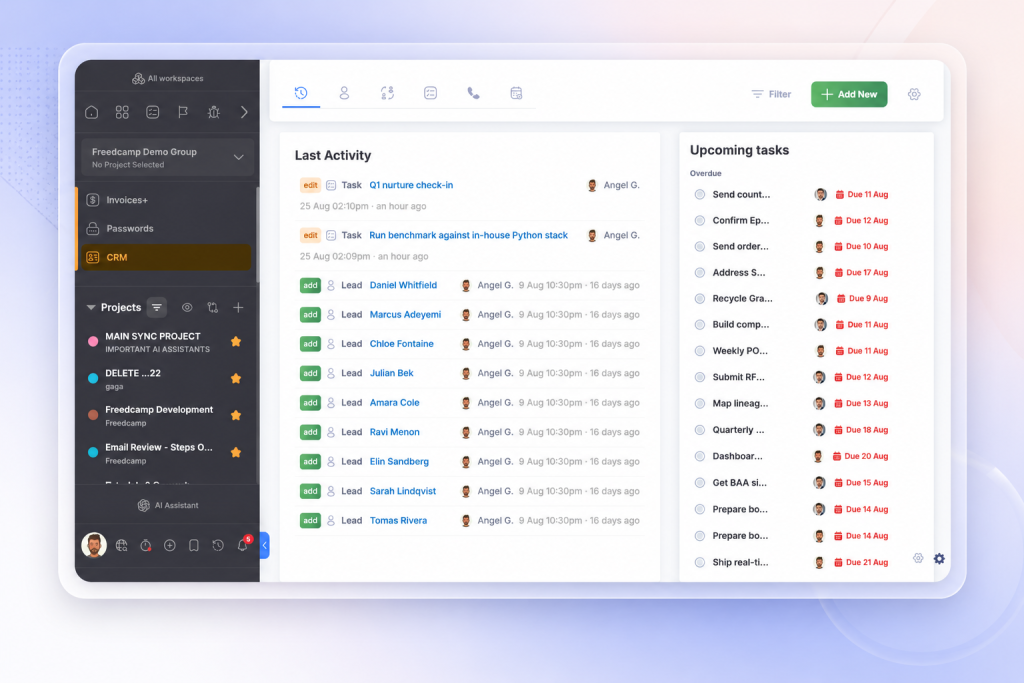
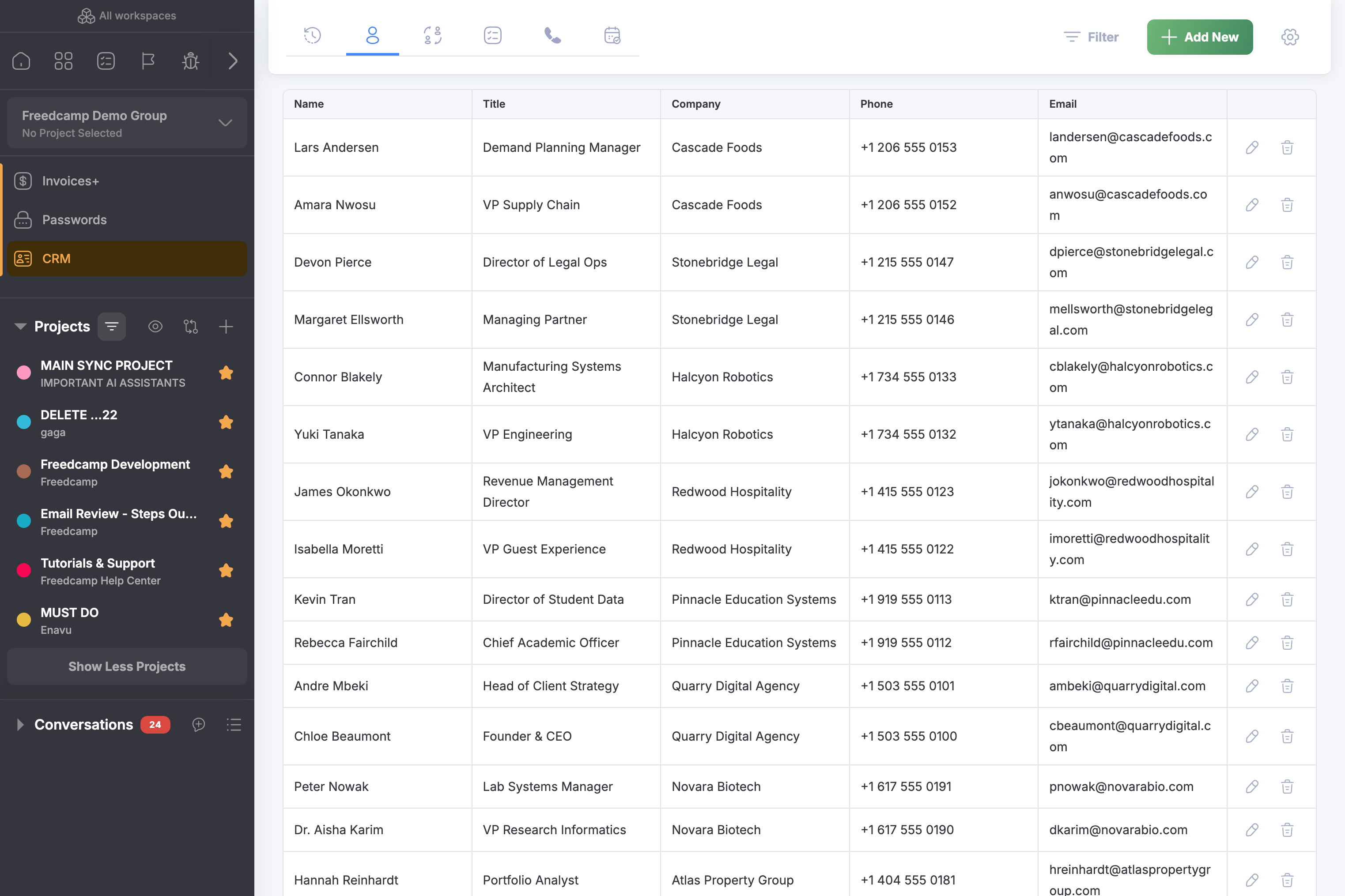
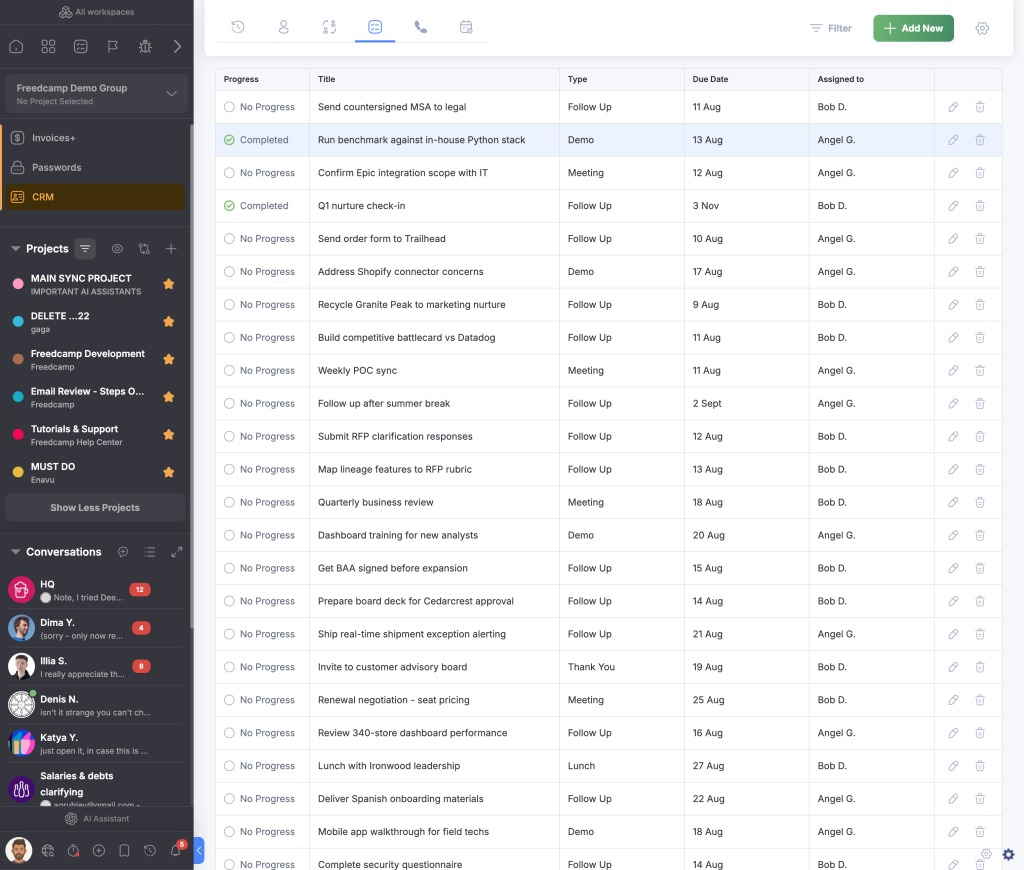
CRM now looks like Freedcamp
The refreshed interface uses the same typography, spacing, colors, and controls found throughout Freedcamp. Familiar patterns reduce friction when you move between apps and make the CRM easier to scan.
Review records in a drawer
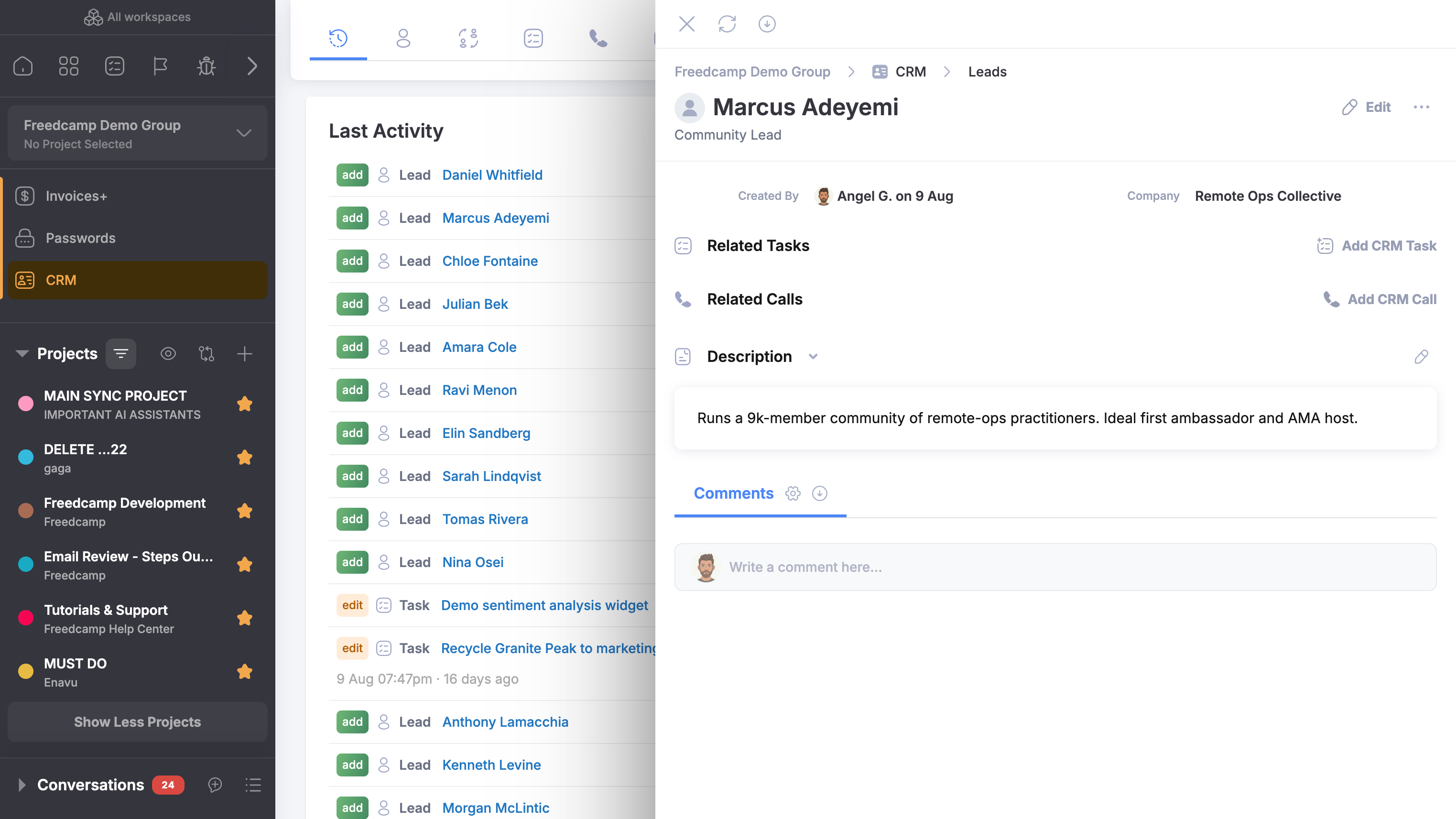
Click a contact, lead, task, call, or campaign and its details open in a drawer over the list. Close the drawer and you return to the same view, with your position and working context intact.
This makes sequential review simple: filter the list, open the first result, take action, close it, and move to the next.
Narrow every list with relevant filters
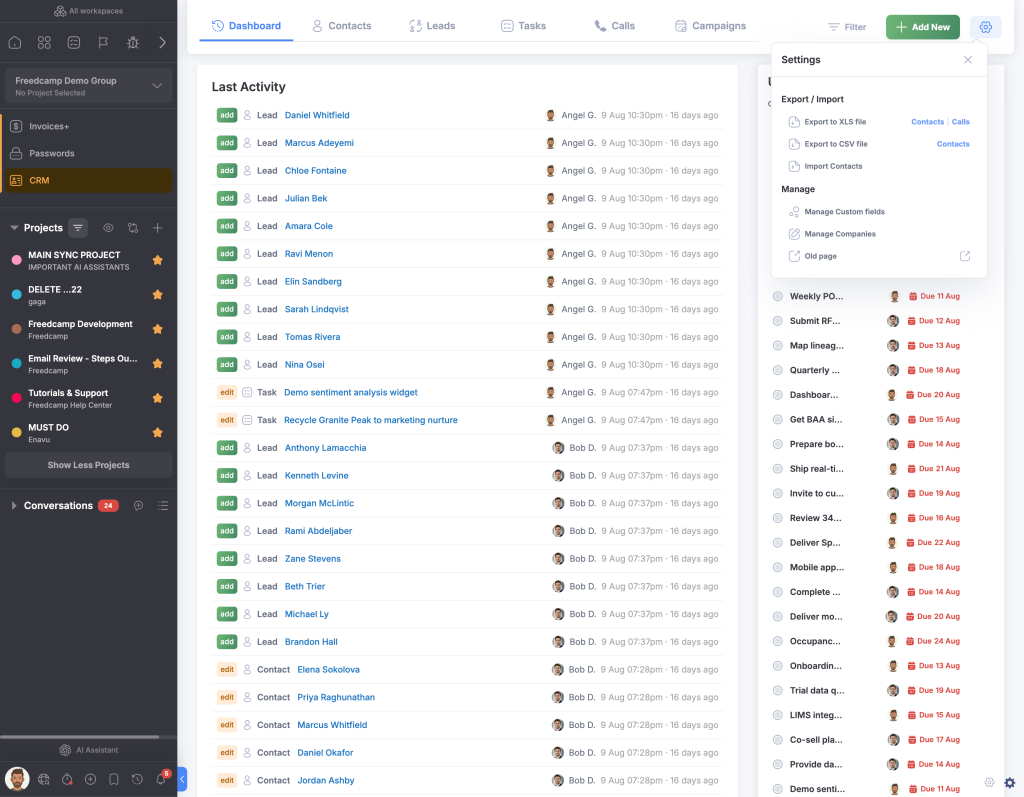
CRM filtering now reaches across its subapps and supports the fields available in each area. Combine criteria to turn a large database into a practical queue for the work at hand.
Rather than browsing every record, you can focus on a segment such as leads from one source, calls assigned to one person, or contacts matching a custom field.
Shape contacts around your process
Contacts now support custom fields. Add the details unique to your organization—such as customer tier, renewal month, region, or onboarding stage—and keep that structured information on the contact.
Discuss and measure campaigns in one place
Campaigns now include comments, so decisions and follow-up notes can stay attached to the campaign instead of being scattered across separate conversations. Campaign results also have a dedicated interface for clearer outcome tracking.
The update at a glance
- A refreshed interface built on Freedcamp’s design system
- Drawer-based record review that preserves list context
- Broader filtering across CRM subapps
- Custom fields for contacts
- Comments on campaigns
- A dedicated campaign-results interface
Open CRM and build a filter around the records you need to address today. Then work through the results in the drawer without leaving the list.
Start your next project in two minutes
Freedcamp is free for unlimited projects, tasks and users. No credit card, no trial clock.
Comments
0