


Sharing documents and files is an essential part of collaboration and team work. Your feedback and support was amazing! Thank you. Today we are adding another simple way to keep files and tasks together – Google Drive integration.
Google Drive is a file storage and synchronization service, which enables cloud storage, file sharing, collaborative editing and keeps track of all your changes with revision history.
Google Drive module is just $2.99 for unlimited projects and users. Upon subscription completion it will be enabled in all your projects. For projects you are invited to or project groups you are administrator – please ask a project owner to upgrade to enable it.
Once installed you will see an additional option to attach from Google Drive.
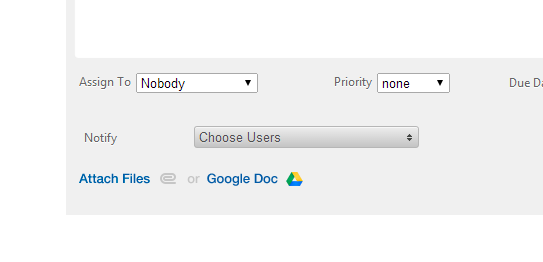
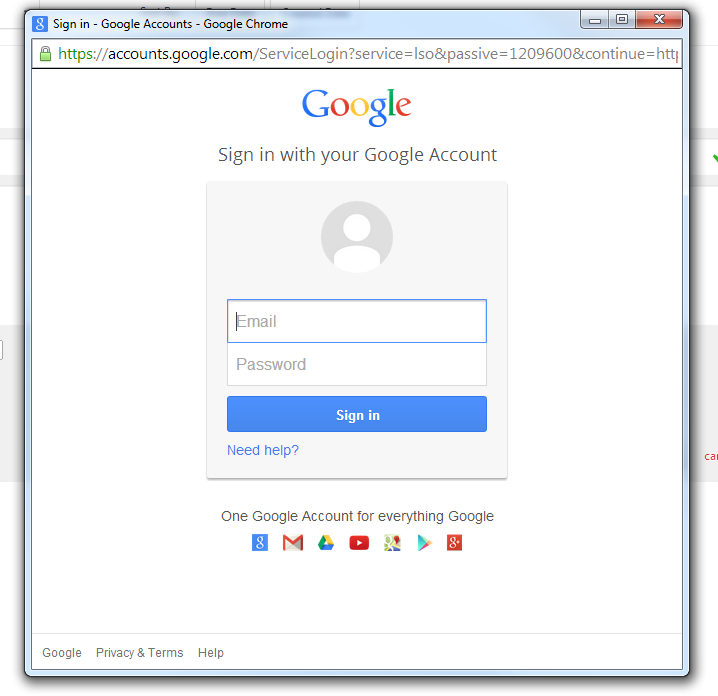
Sign in to a Google account (we provide an option to switch Google accounts on the next step).
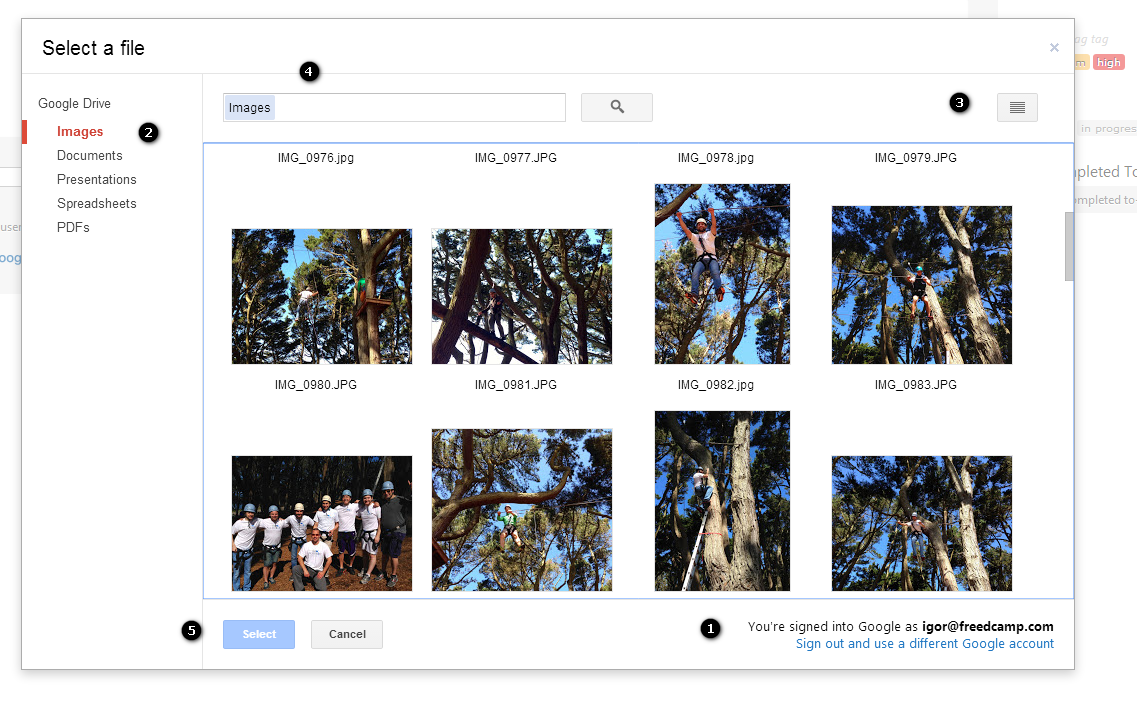
Now you can:
(1) Switch Google accounts
(2) Use filters
(3) Change between thumbnail and list views
(4) Search your files (check Google documentation for tips and tricks)
(5) Select one or multiple files and add them to Freedcamp.
Your files will remain stored on Google Drive. Make sure that you shared them on Google Drive with your team.
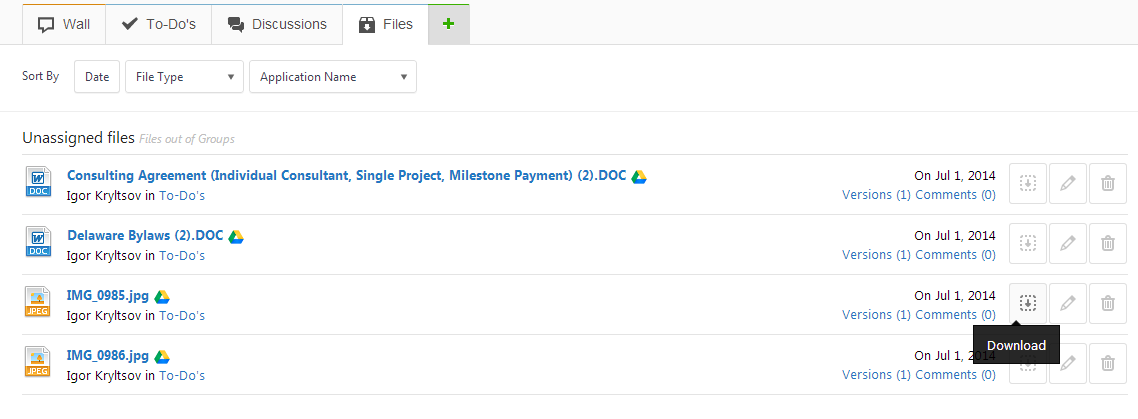
Attached documents contain tiny Google Drive icon and option to open them on Google Drive.
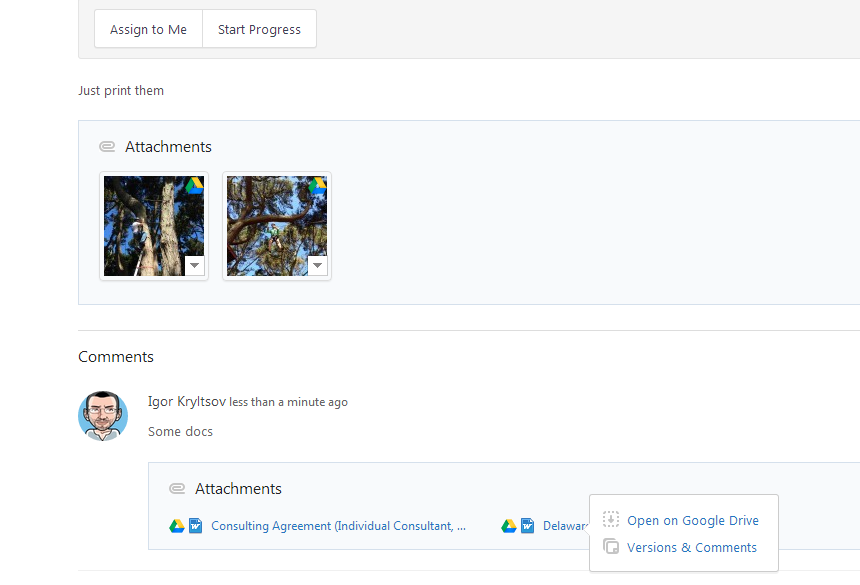
Google Drive files won’t count towards your file storage space in Freedcamp, however you can see all files attached from Google Drive in Files section.
Finally we would like to list all Google integration options you can find in Freedcamp:
• To link you Google account and access Freedcamp without a need to type your credentials, if you are logged in into your Google account, or use Google single sign-on otherwise. You can always use your Freedcamp’s user name or email and a password to login as well.
• To sync your Freedcamp’s calendar to your Google calendar.
• To attach Google Drive files to TODOs, Discussions and comments inside Freedcamp. Please login into your account, visit Marketplace and install Google Drive module.
Start your next project in two minutes
Freedcamp is free for unlimited projects, tasks and users. No credit card, no trial clock.
Do you plan to integrate Box as well?
Hi Markus,
No problem in principal to add Box and DropBox integration. Problem is lack of resources to do it fast – too many things to do.
OK, thanks! Please keep me in the loop!
[…] This post is for Freedcamp users who are already using or plan to use Google Drive module we announced a while ago. […]
Hi, Do you have any idea when Box integration will be available with Freedcamp? I desperately need that to port myself from wrike to freedcamp..
Hi Koushik,
We will be adding Box, DropBox and OneDrive integrations but I can not give you any ETA on it.
‘Google Drive module is just $2.99 for unlimited projects and users.’…is this one time or monthly?…for every project?…please explain how does it work
It is monthly for unlimited projects and users. Attach a file from GDrive option will be available for all your projects and all users you invited to those.
How exactly does Freedcamp Sync up with google Calendar? I click the sync icon, gave Freedcamp offline permission, but I see no evidence that any thing happen.
Hi Rich,
Sync to GCalendar works in one direction. Do you see a calendar with the name of your project in Google Calendar? If not – please email help@freedcamp.com and we will have a look at it in private.
Cheers,
Igor
Can you upload a Google drive folder to the files section of a specific project within Freedcamp? If so, how? Thanks!
Hi Mar,
No this is not possible – only individual files can be added.
@Igor Kryltsov Thanks for letting me know!