


It was quite surprising when Gmail discontinued ‘Quote selected text in reply’ feature. For us in Freedcamp being able to only reply to a part of a comment is an absolute must to save others from reading long quoted replies.
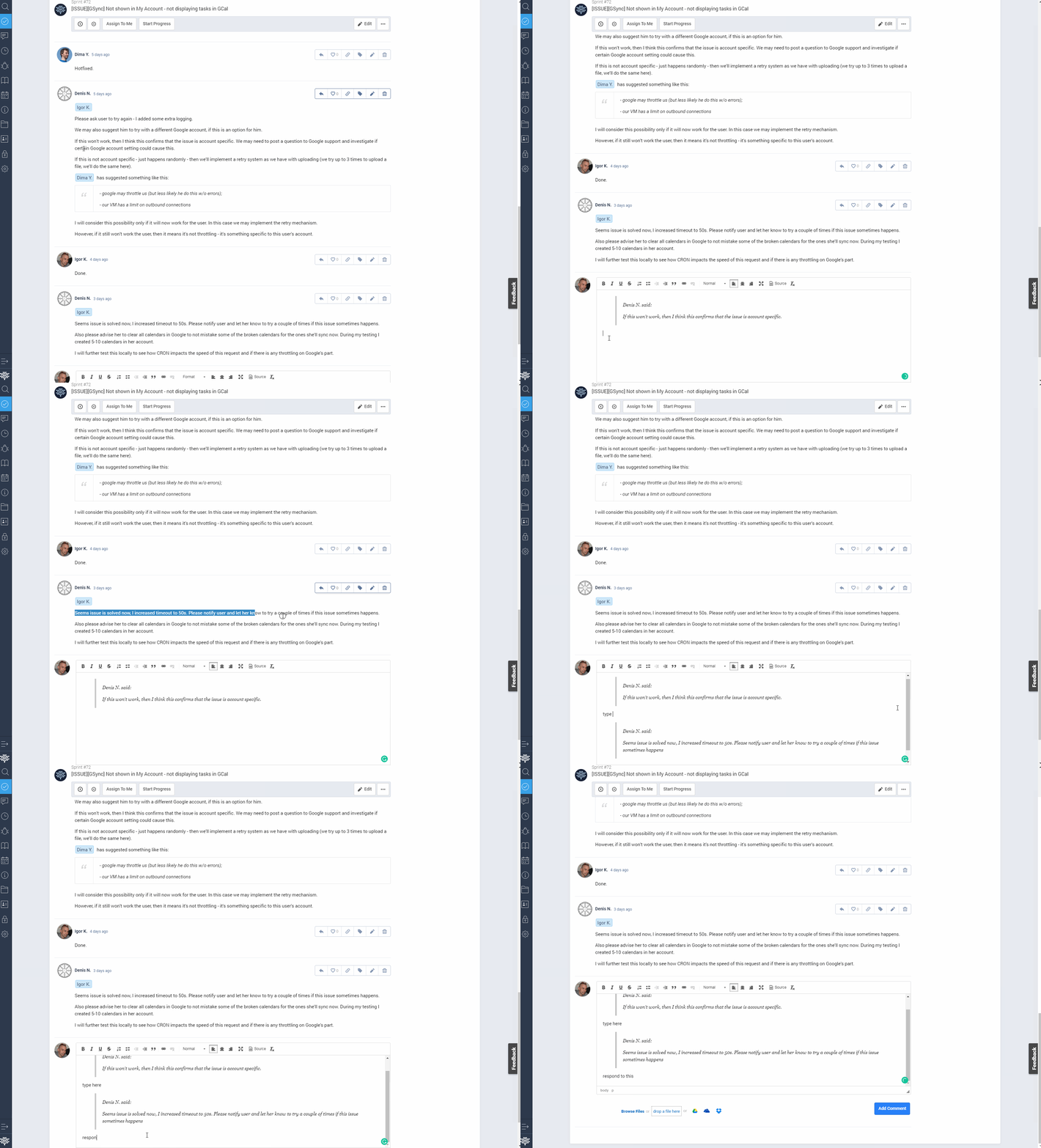
Simply select the text you want to reply to, then hit ‘Reply’! The selected text will be added as a quote to your comment, and you can keep doing it until you’ve answered all the questions. Click below to see how it works full screen.
Start your next project in two minutes
Freedcamp is free for unlimited projects, tasks and users. No credit card, no trial clock.
Comments
0